
To guarantee your public touchscreens are durable and accessible, regularly clean screens with compatible disinfectants and use sturdy hardware resistant to dust and moisture. Incorporate features like adjustable stands, tactile buttons, audio assistance, and high-contrast displays to serve diverse users. Design for environmental resilience, preventing scratches and fingerprints, while maintaining simple interfaces with clear icons. Consistent maintenance, combined with inclusive features, prolongs device lifespan and safety—discover more ways to optimize your touchscreens for all users.
Key Takeaways
- Use disinfectant-compatible wipes regularly to ensure hygiene without damaging sensitive touchscreen surfaces.
- Incorporate adjustable stands, tactile buttons, and audio features to enhance physical and sensory accessibility.
- Select durable, weather-resistant hardware that can withstand dust, moisture, and temperature fluctuations.
- Design intuitive interfaces with clear icons, simple instructions, and feedback to improve user experience and reduce confusion.
- Schedule routine maintenance and cleaning to extend device lifespan and prevent downtime in public environments.
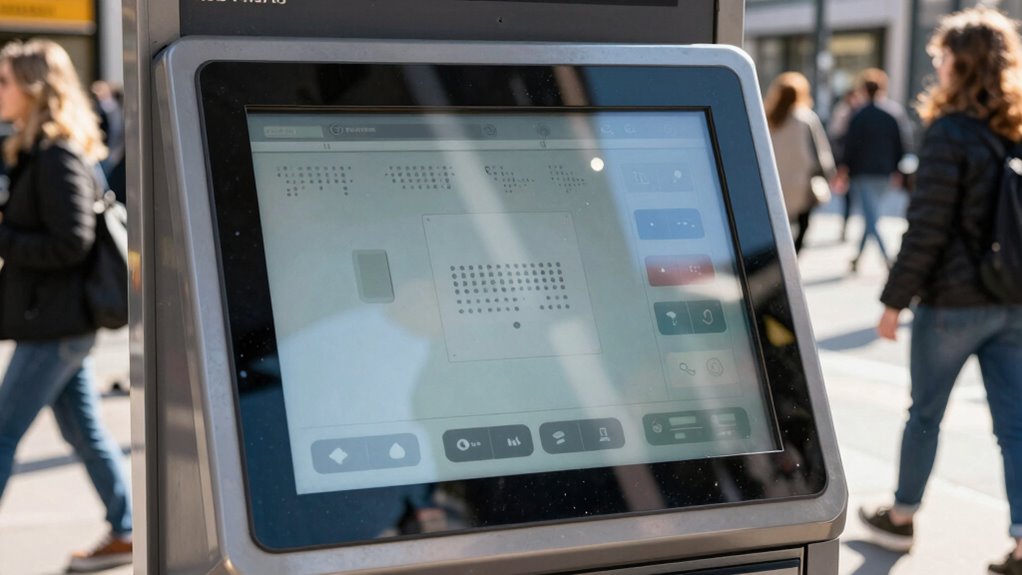
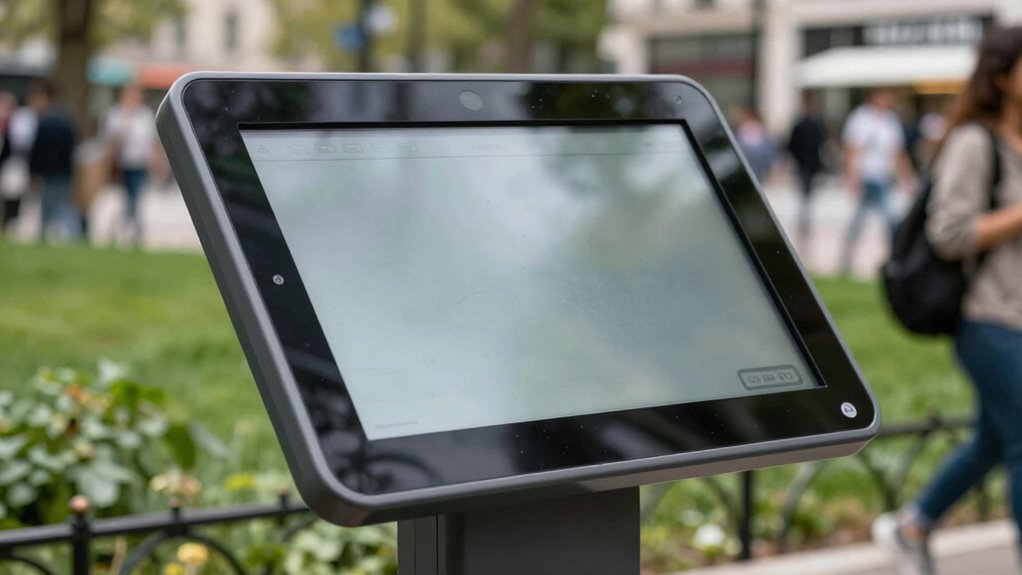
Touchscreens have become an essential part of public spaces, offering quick and intuitive access to information and services. Whether you’re at a kiosk, an info point, or a self-checkout station, these devices need to withstand daily use while remaining user-friendly. To ensure they perform well over time, it’s crucial to implement effective cleaning protocols. Regular cleaning not only preserves the device’s appearance but also helps prevent the spread of germs, especially in high-traffic areas. Use disinfectant wipes that are compatible with touchscreen surfaces, and avoid harsh chemicals that could damage the glass or touch sensors. Establishing a routine cleaning schedule, especially during peak hours, keeps the screens hygienic and inviting for users. Besides cleanliness, accessibility features play a vital role in making touchscreens usable for everyone. Incorporating features like adjustable height stands, tactile buttons, and audio assistance ensures that people with disabilities can navigate the interface comfortably. For example, enabling screen readers or providing high-contrast display options can make the device more inclusive. When designing or selecting touchscreens for public use, you should also consider physical accessibility — such as ensuring the screen isn’t placed too high or too low, and that it’s reachable for users in wheelchairs. Clear, simple icons and straightforward instructions help reduce confusion, especially for those unfamiliar with the technology. Additionally, incorporating audio cues or haptic feedback can enhance the experience for users with visual impairments. Robust hardware is essential, so the touchscreen must be built to withstand environmental elements like dust, moisture, and temperature fluctuations. The display should be resistant to scratches and fingerprints, which can diminish visibility and user satisfaction. Ensuring the device’s durability is just as important as making it accessible. Regular maintenance checks can identify issues early, preventing downtime and costly repairs. When you combine rigorous cleaning protocols with inclusive design features, you create an environment where everyone feels comfortable and confident using the technology. This approach not only improves user experience but also promotes hygiene and safety. Additionally, selecting durable hardware that can withstand environmental stressors can significantly extend the lifespan of public touchscreens. Ultimately, a well-maintained touchscreen with thoughtful accessibility features encourages more engagement, making public spaces more accessible, hygienic, and welcoming for all users.
Frequently Asked Questions
How Often Should Public Touchscreens Be Sanitized?
You should sanitize public touchscreens at least every 2 hours to meet hygiene standards and prevent the spread of germs. Increase cleaning frequency during busy periods or if the device is used by many people daily. Regular sanitation keeps the surface safe and maintains user confidence. Make sure to use appropriate cleaning agents and follow manufacturer guidelines to avoid damaging the screen while ensuring thorough disinfection.
What Are the Best Materials for Vandal-Proof Screens?
Think of your vandal-proof screen as a knight’s armor—strong, resilient, and ready to withstand attack. The best materials for this protection include tempered glass and polycarbonate, both offering excellent vandal resistance and screen protection. These materials resist scratches, shattering, and tampering, ensuring your public touchscreen remains functional and accessible. By choosing these durable options, you shield your device from damage and maintain seamless access for users.
How Do Touchscreens Accommodate Users With Disabilities?
You can make touchscreens accessible for users with disabilities by integrating assistive technology like screen readers, haptic feedback, and adjustable font sizes. Following accessibility standards guarantees the interface is inclusive, offering features such as voice commands and tactile buttons. These adaptations help users with visual, motor, or hearing impairments navigate smoothly, creating a more welcoming experience for everyone.
What Is the Typical Lifespan of Public Touchscreens?
Think of public touchscreens like marathon runners—they often last about 3 to 5 years with proper care. Screen longevity depends on usage and environment, but regular maintenance schedules can prolong their life. For example, scheduled cleaning and hardware checks prevent wear and tear, keeping screens running smoothly. By proactively maintaining your touchscreen, you ensure it stays functional, reliable, and ready for daily public use.
Are There Energy-Efficient Options for Public Touchscreen Displays?
Yes, you can choose energy-efficient options for public touchscreen displays. Look for models with energy-saving features like automatic brightness adjustment and sleep modes to reduce power consumption. Opt for screens made from eco-friendly materials, which minimize environmental impact. These choices help lower energy costs and promote sustainability, ensuring your public displays are both functional and environmentally responsible.
Conclusion
When choosing touchscreens for public use, prioritize durability and accessibility to guarantee everyone can benefit. Imagine a busy library installing screens that withstand constant use and are easy for all visitors to navigate. By following this checklist, you’ll create a seamless experience that lasts and welcomes everyone. Ultimately, a well-designed touchscreen can become a valuable community resource—making information accessible and interactions effortless for all users.