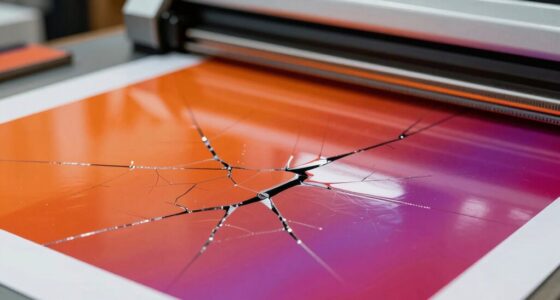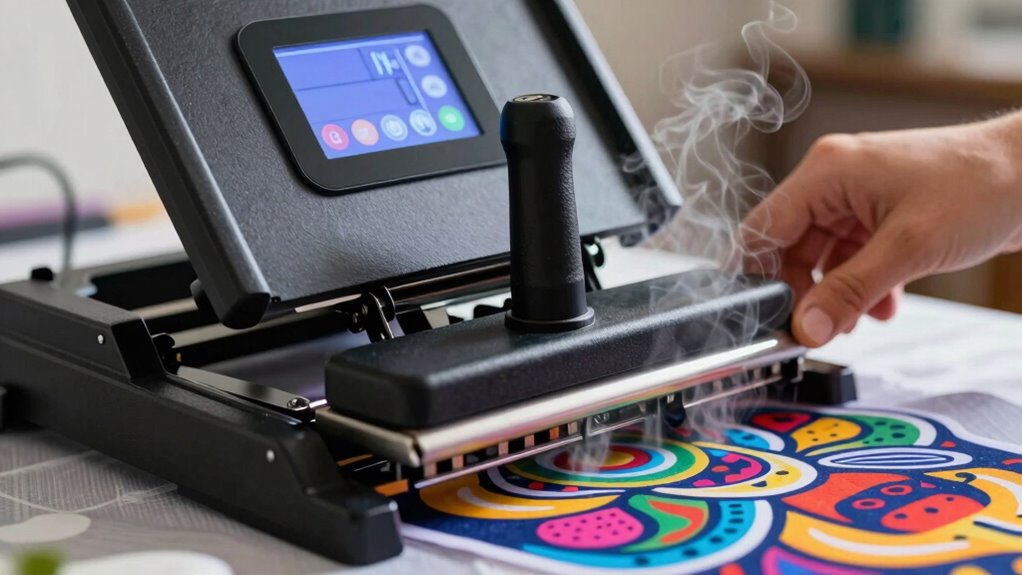

To get great results with a heat press, you need to master pressure, temperature, and time. Apply even pressure to guarantee your design bonds well without damaging your surface. Set the right temperature based on your transfer method, typically between 300-400°F, and press for about 10-20 seconds. Too much or too little can ruin your project, so tuning these settings is key. Keep exploring to find the perfect balance for your art projects.

Get the latest gadgets delivered free with Prime
- Fast, free delivery on millions of items
- Prime Video, Amazon Music and more included
- Member-only deals all year
Key Takeaways
- Proper pressure ensures even transfer and prevents design distortion or fabric damage.
- Set the correct temperature based on transfer type to melt adhesives or inks effectively.
- Maintain optimal press time, typically 10-20 seconds, to achieve durable and vibrant results.
- Adjust pressure, temperature, and time according to material and transfer specifications for best outcomes.
- Regular testing with samples helps determine the ideal settings for different fabrics and designs.
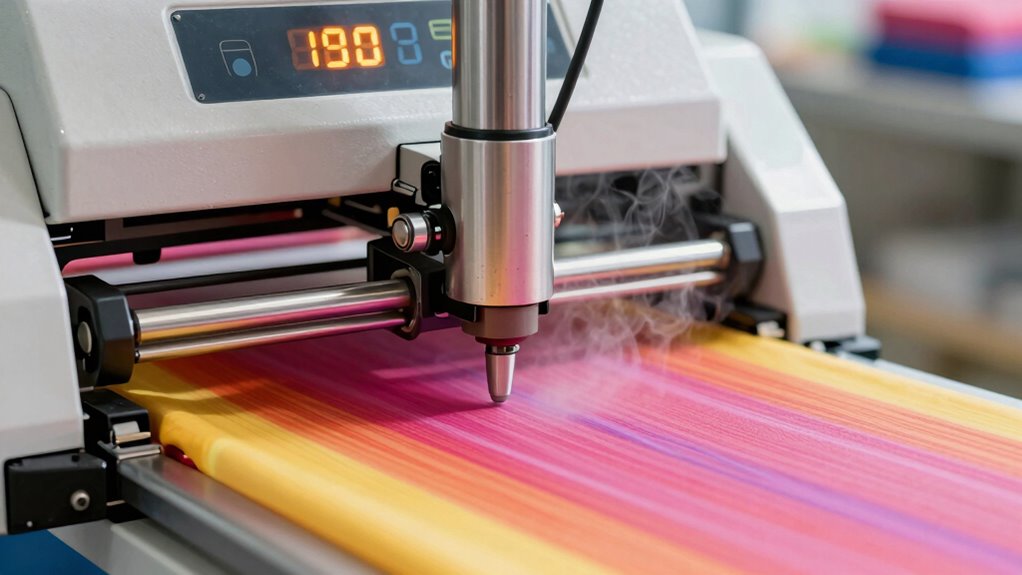
Have you ever wondered how custom designs are transferred onto fabric so precisely? The secret lies in the art of heat pressing, a technique that requires careful control of pressure, temperature, and time. When you’re starting out, understanding the basics of this process is essential to achieving professional-looking results. A key part of this is mastering the design transfer process, which involves applying heat and pressure to bond your chosen design—whether it’s a vinyl cutout, sublimation print, or heat transfer paper—securely onto the fabric. To do this effectively, you need to know the correct settings for your heat press machine. Setting the right temperature ensures the adhesive or ink melts properly without damaging the fabric or design. Too high, and you risk scorching or warping; too low, and the design might not adhere fully, resulting in peeling or fading over time. Timing also matters. Applying heat for the right duration allows the design to set properly, creating a durable finish. Most transfers require a specific amount of time, often between 10 to 20 seconds, depending on the materials used. Experimenting with small test pieces helps you find the ideal combination for each project. Understanding heat transfer methods is crucial for selecting the right materials and techniques for your designs.
While focusing on achieving perfect results, it’s equally important to prioritize heat press safety. Safety precautions protect you from burns, electrical hazards, and accidental damage to your equipment. Always read the manufacturer’s instructions before use, and ensure your workspace is well-ventilated. When operating the heat press, keep your hands clear of the heating element to avoid burns. Use heat-resistant gloves if necessary, and be cautious when opening the press after the cycle is complete, as residual heat can stay intense for a few seconds. Regularly inspecting your machine for frayed cords or worn-out parts prevents electrical issues that could lead to accidents. Additionally, maintaining a clean work area reduces the risk of fire or other hazards. Always unplug the heat press when not in use, and store it in a safe, dry place. Remember, safety isn’t just about avoiding accidents but also about ensuring consistent, high-quality results. When you respect the safety guidelines, you’ll be able to focus on perfecting your design transfer process, creating vibrant, durable prints that stand the test of time. Ultimately, mastering the balance of pressure, temperature, and time—while keeping safety front and center—turns heat pressing from a simple technique into a reliable tool for your artistic projects.
Frequently Asked Questions
How Do I Troubleshoot Uneven Heat Distribution?
To troubleshoot uneven heat distribution, first check your heat press for any damage or malfunction. Make certain the heating element is clean and evenly heated, and verify the platen is flat and properly aligned. Use a heat-sensitive test sheet to identify spots with inconsistent heat. Adjust the temperature settings if needed, and regularly maintain your equipment. These troubleshooting techniques help you achieve consistent heat distribution for better results.
What Safety Precautions Are Needed During Heat Pressing?
Think of safety during heat pressing as wearing armor in battle. You should wear safety gear like heat-resistant gloves, aprons, and eye protection to guard against burns. Always keep emergency procedures in mind, such as unplugging the machine if it malfunctions. Never leave the heat press unattended, and guarantee proper ventilation. These precautions help protect you from accidents and ensure a safe, successful creative process.
Can I Use Different Materials With the Same Settings?
You shouldn’t use different materials with the same settings because of material compatibility. Each material has specific heat, pressure, and time requirements. To prevent damaging your project, you need to make setting adjustments based on the material you’re working with. Always check manufacturer guidelines for each material, and test small samples when trying new combinations to ensure proper adhesion without risking damage.
How Do I Maintain and Clean My Heat Press?
Think of your heat press like a car engine; regular maintenance keeps it running smoothly. To maintain and clean it, regularly wipe down the platen with a damp cloth after each use, avoiding harsh cleaners. Use cleaning techniques like using a soft brush for stubborn residue. Check for any loose parts and follow maintenance tips from the manufacturer. This way, your press stays in top shape and produces perfect results every time.
What Are the Signs of Incorrect Pressure Application?
You can tell if your pressure application is incorrect by looking for uneven transfers, such as fading or missing areas, which indicates pressure calibration issues. Too much pressure may damage your material, while too little results in poor adhesion. Always check material compatibility and adjust pressure accordingly. Consistently monitor your press settings, and perform test prints to guarantee ideal pressure for each project, avoiding damage or subpar results.
Conclusion
Mastering pressure, temperature, and time is like tuning a guitar; when all three are just right, your artwork hits the perfect note. I once rushed a project and ended up with a dull print—reminding me that patience pays off. By understanding these basics, you’ll create vibrant, durable designs that truly sing. So take your time, experiment, and enjoy the process—your art will shine brighter with each perfect press.
Halloween Picks
halloween
As an affiliate, we earn on qualifying purchases.