
TL;DR

Get the latest gadgets delivered free with Prime
- Fast, free delivery on millions of items
- Prime Video, Amazon Music and more included
- Member-only deals all year
Doory is an open-source browser design editor presented as a free, self-hostable alternative for creating graphics, presentations and short animations. Its GitHub project says users can start without an account, while cloud accounts are optional; its feature and pricing comparisons come from the project itself and have not been independently verified here.
Doory, an open-source design editor described in its GitHub project, lets users create graphics and presentations in a browser and says it can be run on a server they control. The project presents the editor as a free alternative to services such as Canva, with no account required to begin and exports available in image, document and video formats.
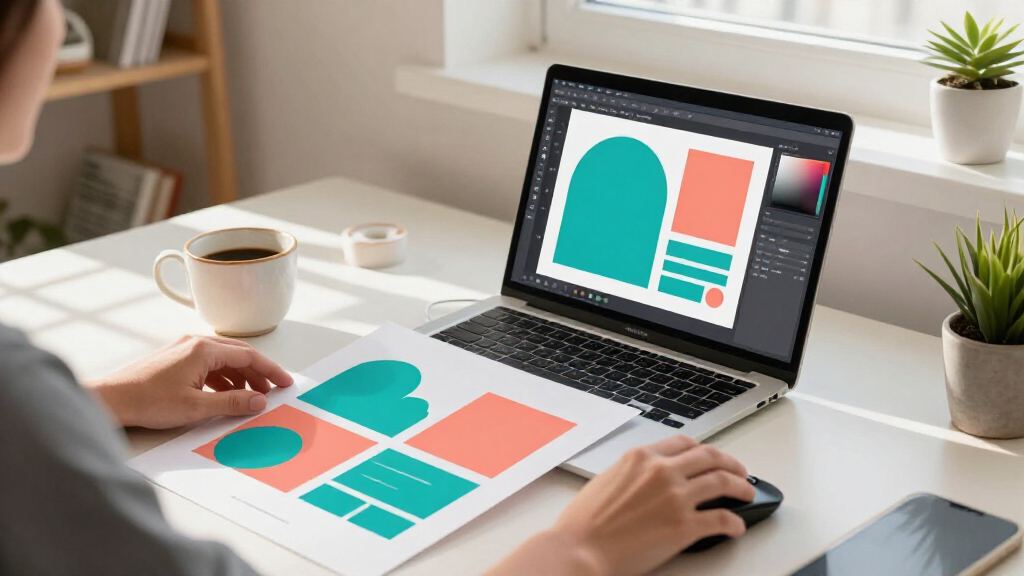
The project describes Doory as a full editor for posters, social posts, stories, slides, invitations, résumés, thumbnails and business cards. Users can begin with one of the ten starter templates listed in the project or start with a blank page. The templates are described as editable and built with open-licensed fonts; administrators can also add templates to a self-hosted installation.
Listed editing tools include text and shape controls, layers, groups, masks, filters, alignment guides, rulers and multi-page designs. The project also describes animations, page transitions, audio, presentation tools, comments and real-time co-editing. Its feature list includes 27 entrance and exit animations, 12 emphasis effects, 16 page transitions, 24 music loops and 88 sound effects. Those counts and capabilities are claims in the project documentation, not results of an independent product review.
Doory says designs can be exported as PNG, JPG, SVG, PDF, MP4, WebM and animated GIF, with print-ready PDFs that can include bleed and crop marks. It says background removal runs in the browser. The project’s comparison table lists its product as free, open source and self-hostable, while characterising Canva as having paid plans and not offering self-hosting. That table is the developers’ own comparison; plan terms and product capabilities can change.
Self-Hosting Changes the Trade-Off
Doory’s main distinction is not simply a free editor: it is the combination of open-source software and self-hosting. For individuals or organisations that want to keep design files and uploads on infrastructure they control, a self-managed installation may offer a different choice from relying entirely on a hosted design service. The project says the application, API, database and collaboration features can be run together using Docker Compose.
That choice comes with responsibilities. A self-hosted operator must set up and maintain the server, secure access, manage storage and keep the software and its dependencies updated. The project’s setup instructions show that initial deployment requires environment configuration and database credentials. Self-hosting can increase control, but it does not by itself guarantee privacy, security or reliable backups; those depend on how an installation is operated.
The project also aims to cover more than static graphics, listing video and GIF export, audio and collaborative editing alongside conventional image and PDF output. If the documented tools work as described, users could handle several kinds of visual content in one editor. The material does not provide independent testing, usage figures, performance comparisons or evidence of adoption, so readers should treat the feature list as a description of the project rather than a verified assessment of its quality.
Products Worth Considering

Bose QuietComfort Headphones (2nd Gen), Wireless Over-Ear Noise-Cancelling Headphones, Hazelnut Taupe

Jackery HomePower 3600 Plus Portable Power Station, 3584Wh, 3600W

DJI Osmo Mobile 8 Gimbal with Mic Mini Transmitter, Infinity Black
As an affiliate, we earn on qualifying purchases.
How Doory Describes Its Setup
The GitHub documentation says a new installation can be started by copying an example environment file, setting a Django secret key and database password, then running Docker Compose. It describes the web container as serving the application and forwarding API and WebSocket requests to the backend. A site administrator can then create an account for administration and add templates, fonts, graphics, audio and other content using project commands.
Doory distinguishes between working as a guest and using cloud accounts. According to the project, guest designs are saved in the browser; users can create an account when they want designs stored in the cloud, and transfer the work in one step. A self-hosted operator can configure the site’s public address, allowed hosts, email, storage and other settings. Some optional features, including stock-photo search, require access keys for services such as Unsplash or Pexels.
The documentation lists ten initial template categories, including a gig poster, wedding invitation, event story, sale post, café flyer, quote card, résumé, video thumbnail, pitch deck and business card. It says a fresh site starts empty and administrators add starter content after installation. That means the included templates and assets are not necessarily present immediately when someone deploys the application.
“Canva is a great product. Doory is for people who want the same kind of tool, but free, open and in their own hands.”
— Doory project description on GitHub
Capabilities Await Independent Testing
The supplied material is project documentation, not an independent review or release announcement with a dated version history. It does not establish when Doory was released, how widely it is used, or how its performance compares with Canva or other editors. It also provides no third-party security audit, uptime data or assessment of how well the editor handles large projects and collaborative sessions.
Some features depend on configuration or external resources. Stock-photo search requires an Unsplash or Pexels key, and the documentation gives operators separate commands to install fonts, templates, icons, audio and the background-removal model. The material does not specify licensing terms for every available asset or explain how those terms apply to commercial use. It also does not set out support arrangements, a development roadmap or a policy for future changes to the project.
The project says guest designs stay in the browser and self-hosted files remain under the operator’s control. The exact data flows and retention behaviour would still depend on the running version, deployment settings and any external services enabled. Those details should be checked by users who have particular privacy, compliance or business requirements.
Deployment and Project Updates
Readers interested in trying Doory can review the project’s GitHub repository and follow its deployment instructions, beginning with the environment configuration and Docker Compose setup. The documentation says administrators can populate a new installation with starter templates, fonts, elements, audio and models after the services are running. Anyone deploying it should also review the configuration for HTTPS, allowed hostnames, email and storage before making the site public.
The supplied source does not announce a scheduled release, launch event or upcoming milestone. The next concrete indicators will be changes to the repository, including dated releases, documentation updates, issue responses and details about maintenance. Independent testing of editing, exporting, collaboration and self-hosted security would help establish how closely the documented feature set matches real-world use.
Key Questions
What is Doory?
Doory is an open-source, browser-based design editor described by its project as a tool for creating graphics, presentations and animated content. Its GitHub documentation lists templates, editing tools and several export formats.
Does Doory require an account?
The project says users can start designing without an account. It says guest work is saved in the browser, while an account can be created for cloud storage.
Can Doory be self-hosted?
Yes. The project documents a Docker Compose deployment that runs the application and its supporting services on a server managed by the operator. The operator remains responsible for configuration, updates, security and backups.
What file formats can Doory export?
The project lists PNG, JPG, SVG, PDF, MP4, WebM and animated GIF. It also describes print-ready PDF export with bleed and crop marks. These are capabilities claimed in the project documentation.
Has Doory been independently tested against Canva?
The supplied material does not include an independent comparison or product test. Its statements about pricing, features and self-hosting are made by the Doory project, and readers should verify current details before choosing a tool.
Source: hn